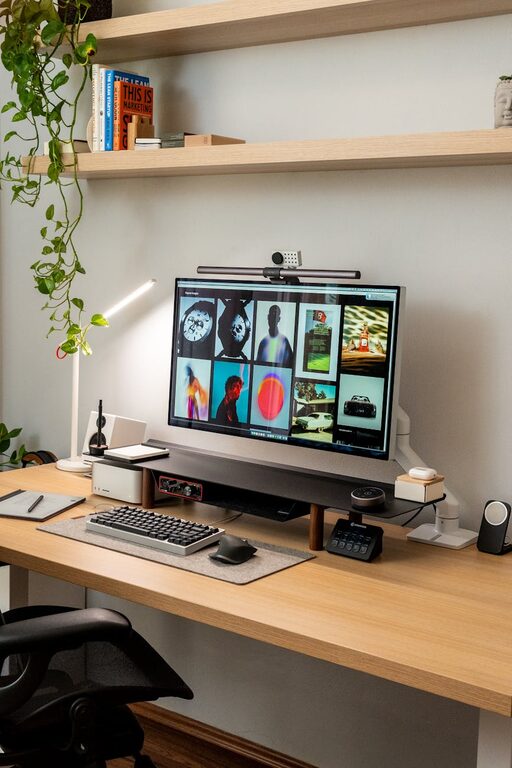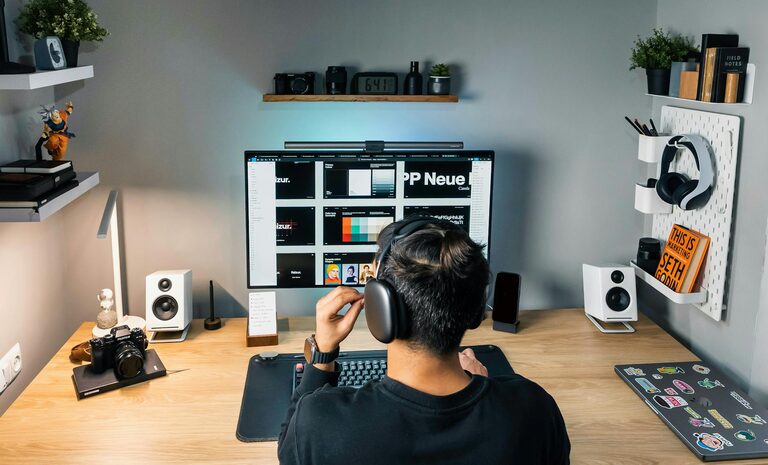
Creating a home office that feels cozy and supports productivity is essential for anyone working or studying from home. A well-designed workspace can improve your focus, reduce stress, and help you enjoy the time you spend working. Here are practical tips to help you create a home office that’s both inviting and efficient.
Choose the Right Location
Selecting the ideal spot for your home office is the first step toward creating a productive environment.
– Natural Light: Aim to place your desk near a window to benefit from natural light. This not only brightens your space but can also boost your mood and energy.
– Quiet Area: Pick a part of your home that’s relatively quiet and free from distractions, especially if you need to concentrate or join virtual meetings.
– Space Considerations: Make sure there’s enough room for your desk, chair, and any necessary equipment, plus some extra space to move comfortably.
Invest in Comfortable and Functional Furniture
Comfort plays a crucial role in productivity and well-being during long working hours.
– Ergonomic Chair: Choose a chair that supports good posture, offers adjustable height, and has lumbar support.
– Desk Size: Your desk should be large enough to hold your computer, documents, and other tools, but still fit comfortably in your space.
– Adjustable Options: Consider sit-stand desks or adjustable desks to alternate between sitting and standing throughout the day.
Optimize Lighting
Proper lighting reduces eye strain and helps maintain energy levels.
– Layered Lighting: Combine natural light with layered lighting — general overhead light, task lighting (like a desk lamp), and ambient light to soften the area.
– Avoid Glare: Position your computer screen to avoid glare from windows or lights. Using curtains or blinds can help control natural light.
Keep it Organized
An organized workspace supports focus and minimizes stress.
– Declutter Regularly: Remove unnecessary items from your desk to keep the surface clean and distraction-free.
– Storage Solutions: Use shelves, drawers, or filing cabinets to organize documents, supplies, and electronics.
– Cable Management: Use cable organizers or clips to keep cords tidy and prevent tangles.
Personalize Your Space Tastefully
Adding personal touches makes your workspace inviting without cluttering it.
– Plants: Indoor plants can improve air quality and add a touch of greenery that promotes calmness.
– Artwork: Display simple art or photos that inspire you.
– Color Scheme: Use soothing colors like soft blues, greens, or earth tones to create a relaxing atmosphere.
Technology Setup for Efficiency
Ensure your technology supports your tasks without causing frustration.
– Reliable Internet: Invest in a strong and stable internet connection.
– Quality Equipment: Use a good quality monitor, keyboard, and mouse for comfort and efficiency.
– Organized Workspace: Keep chargers and tech tools within reach but organized to prevent mess.
Incorporate Break Areas
Including a small area for short breaks helps maintain productivity.
– Comfortable Seating: A cozy chair or small sofa nearby can provide a change of scenery during breaks.
– Mindfulness Corner: Consider adding a space for stretching, meditation, or simple relaxation.
Maintain a Routine and Boundaries
A cozy, productive office extends beyond physical setup.
– Set Working Hours: Define start and end times to separate work from personal life.
– Minimize Distractions: Use noise-cancelling headphones or background music to stay focused.
– Regular Breaks: Take short, regular breaks to refresh your mind and body.
Keep it Clean and Fresh
Cleanliness contributes to both comfort and productivity.
– Daily Tidying: Spend a few minutes at the end of each day tidying your workspace.
– Ventilation: Open windows or use air purifiers to keep the air fresh.
—
Creating a cozy and productive home office is about combining comfort with practical design. By choosing the right location, investing in ergonomic furniture, managing lighting, and keeping your space personalized and organized, you can build an environment that supports your best work every day. Remember, small changes can make a big difference in how you feel and perform in your home office.