Creating a productive home office environment can make a significant difference in how effectively you work and how comfortable you feel throughout your day. Whether you’re working remotely full-time or occasionally working from home, having the right setup can improve focus and reduce distractions. Here are practical tips to help you design a workspace that supports productivity and well-being.
Choose the Right Location
Find a Dedicated Space
Selecting a dedicated area for your home office helps separate work life from personal life. Ideally, choose a quiet corner or a spare room where you can close the door and minimize interruptions.
Consider Natural Light
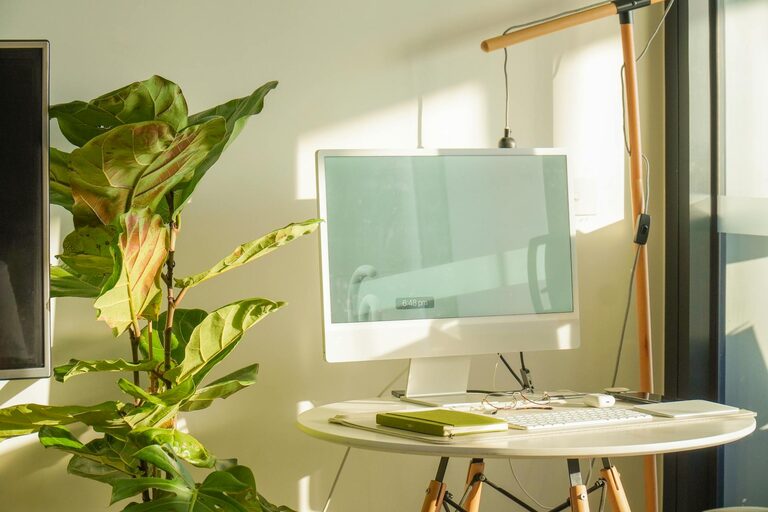
Natural light boosts mood and energy levels. Position your desk near a window if possible. If natural light is limited, use full-spectrum light bulbs to mimic daylight.
Invest in Comfortable Furniture
Select an Ergonomic Chair
Comfort matters when spending hours at your desk. Choose a chair that supports your back and encourages good posture to prevent aches and fatigue.
Use a Suitable Desk
Your desk should be spacious enough for your equipment and allow you to keep your work materials organized. Standing desks or adjustable desks can be good options to vary your posture during the day.
Optimize Your Technology Setup
Reliable Internet Connection
A strong, stable internet connection is essential for efficient work, especially if your tasks involve video calls or uploading files.
Essential Equipment
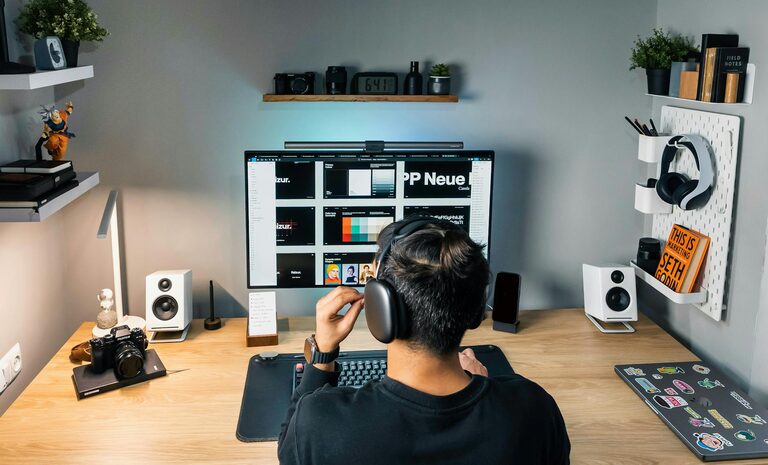
Make sure you have all necessary tools like a good computer, keyboard, mouse, and printer. Also, consider accessories such as a webcam, headset, or additional monitor to enhance your workflow.
Cable Management
Organize cables with clips or sleeves to keep your desk tidy and avoid clutter that can distract or slow you down.
Maintain Organization and Declutter
Use Storage Solutions
Incorporate shelves, drawers, or filing cabinets to store documents and office supplies. Keeping your workspace organized reduces stress and saves time spent searching for things.
Daily Cleaning Routine
Spend 5–10 minutes at the end of each day to clear your desk. A clean workspace makes it easier to start fresh the next day.
Control Noise and Distractions
Noise-Cancelling Headphones
If you live in a noisy environment, noise-cancelling headphones can help you focus by blocking out background sounds.
Set Boundaries
Communicate your work hours clearly with family members or roommates to minimize interruptions during focused work periods.
Personalize Your Workspace
Add Plants or Artwork
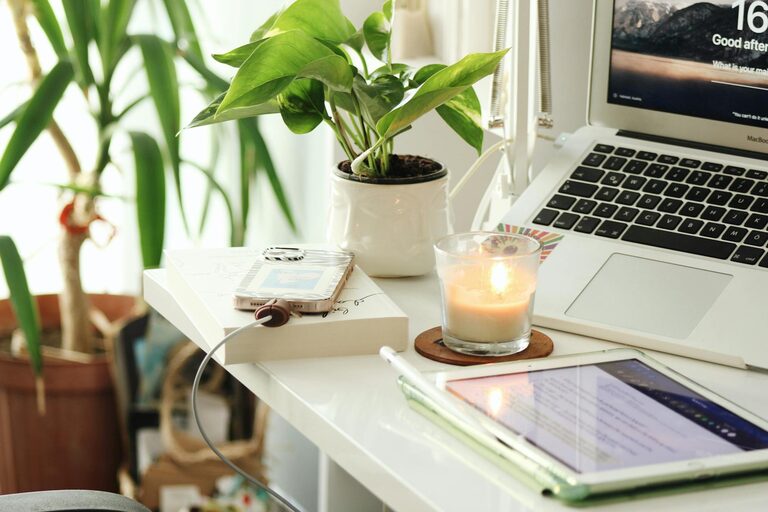
Plants can improve air quality and bring a sense of calm. Artwork or personal items can make your workspace inviting and motivating.
Comfortable Temperature and Ventilation
Keep your home office well-ventilated and at a comfortable temperature to stay alert and productive throughout the day.
Plan Your Workday
Create a Schedule
Outline your daily tasks and breaks. Adhering to a routine helps maintain productivity and prevents burnout.
Take Regular Breaks
Stand up, stretch, or take a short walk every hour. Breaks improve circulation and refresh your mind.
Improve Lighting for Task and Ambient Needs
Use Task Lighting
A desk lamp focused on your work area reduces eye strain. Choose adjustable lamps to control brightness and direction.
Avoid Glare
Position screens perpendicular to windows and use blinds if needed to reduce glare on your monitor.
Maintain Work-Life Balance
End-of-Day Ritual
Develop a routine to signal the end of your workday. It may be shutting down your computer, changing clothes, or a relaxing activity.
Separate Work from Leisure
Avoid working in bed or on the couch. Keeping work confined to your dedicated office space helps maintain clear boundaries.
—
Creating a home office environment that supports productivity involves careful planning and attention to your personal needs. With the right location, furniture, organization, and habits, you can build a workspace that makes working from home rewarding and efficient. Take time to customize your setup and find what works best to keep you motivated and comfortable every day.